League match on Saturday, tournament next month. You know your opponent’s name. Here is how to sit down at the board knowing what they play, and what you answer.
“Look up a username…” opens the games of any chess.com or Lichess player, without adding them to your accounts. You import the ones you care about into a folder under their name.
Their tournament games are in a PGN file? It imports the same way.
◆
Step 2
See what they really play.
A folder of games is not just storage. It is a database you question on the board.
Follow a player: only their games, with their colour, feed the lines. Flip the board and you see their other repertoire.
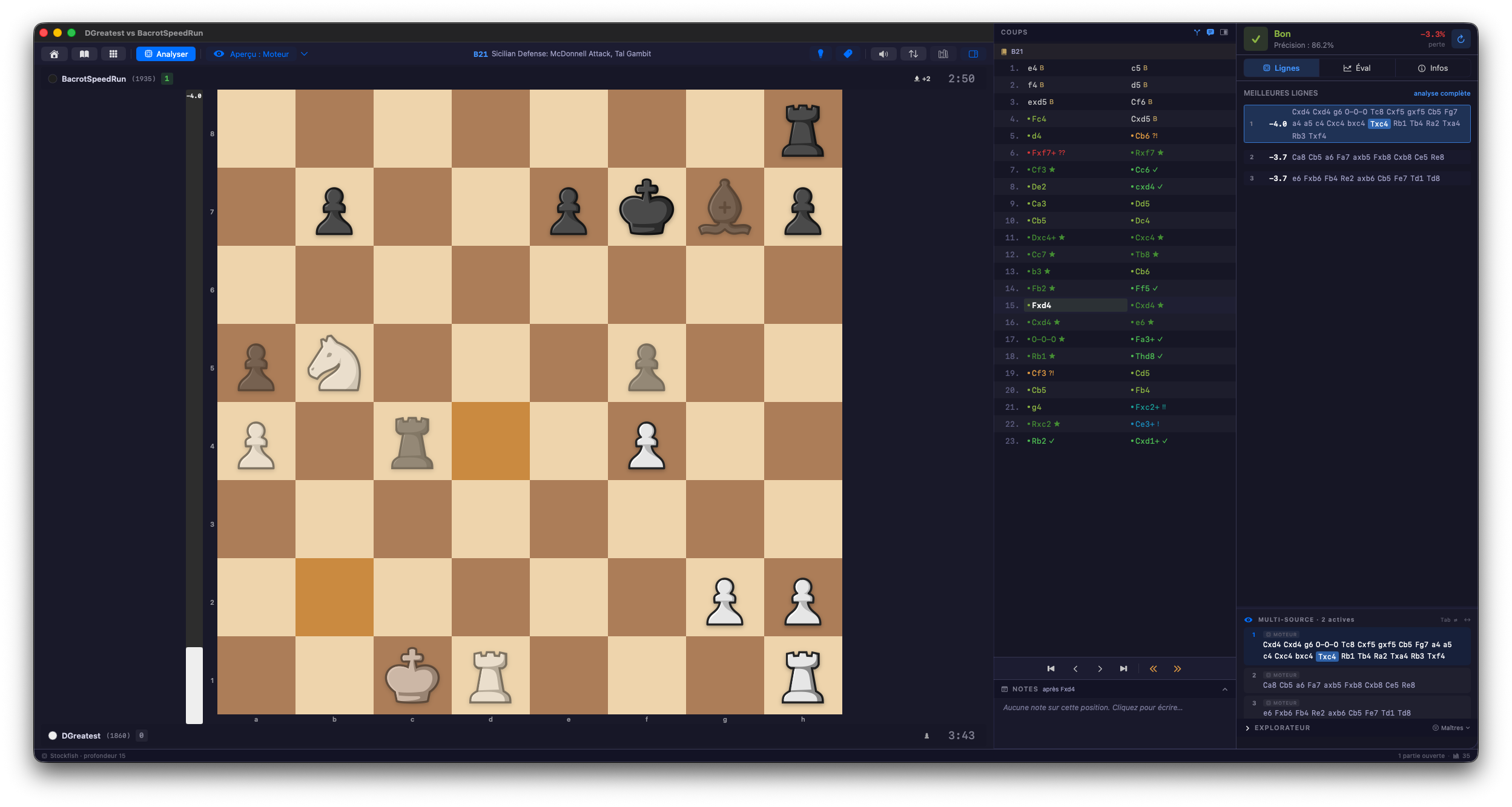
The most played move is projected on the board, position after position.
The Explorer counts how many times each move was played in your saved games.
◆
Step 3
Find the position where it is decided.
They always play the same Caro-Kann variation. You set up the position, and “Search this position” tells you whether you have had it before, in which games, and whether it is in your studies.
Transpositions are included. An opponent who changes their move order does not slip away.
◆
Step 4
Write your answer.
You open your study, or create one for the occasion. The engine suggests, the Explorer shows what masters play, and you write your line.
Have every branch evaluated from your side of the board.
Write down your ideas as comments, on the move they belong to.
Export as standard PGN, if you prepare as a team.
◆
Step 5
Drill it, the day before.
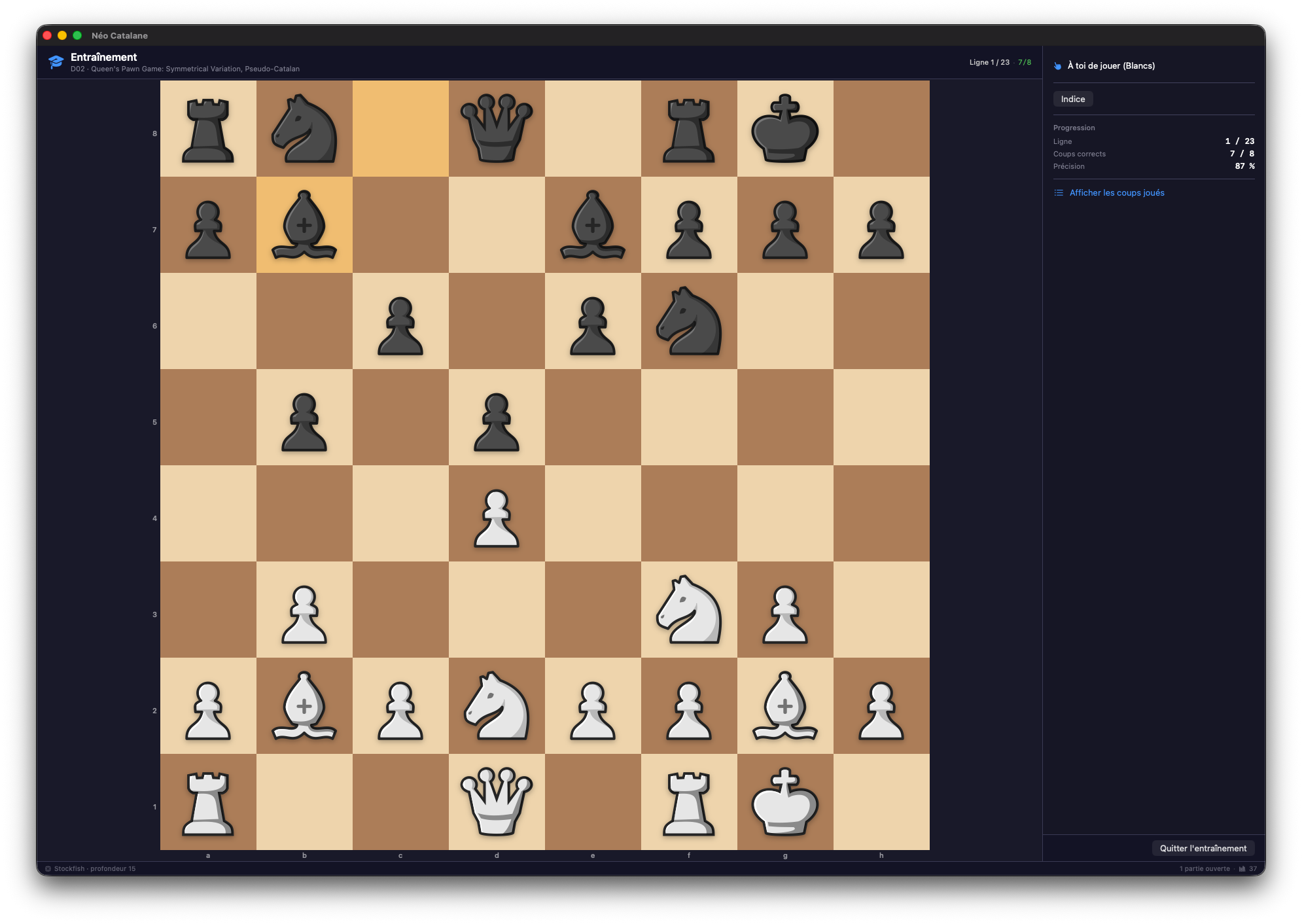
Régence plays their moves. You play yours, until the line holds without thinking.
On your study, to recite the prepared line.
On their folder of games: “Train on the opening” merges their openings into one tree, and you answer what they really play.
After the game, Preview shows you where it left your preparation.
◆
Try it on your own games.
Seven days, every feature. Studies and training are not counted. No card, no account.
Then €49 once, no subscription, for 2 computers, Mac or PC.